



SSS Calamity Loan Program: A Step-by-Step Guide For Filing Your Application Online
Typhoon-affected members can now easily avail this benefit.
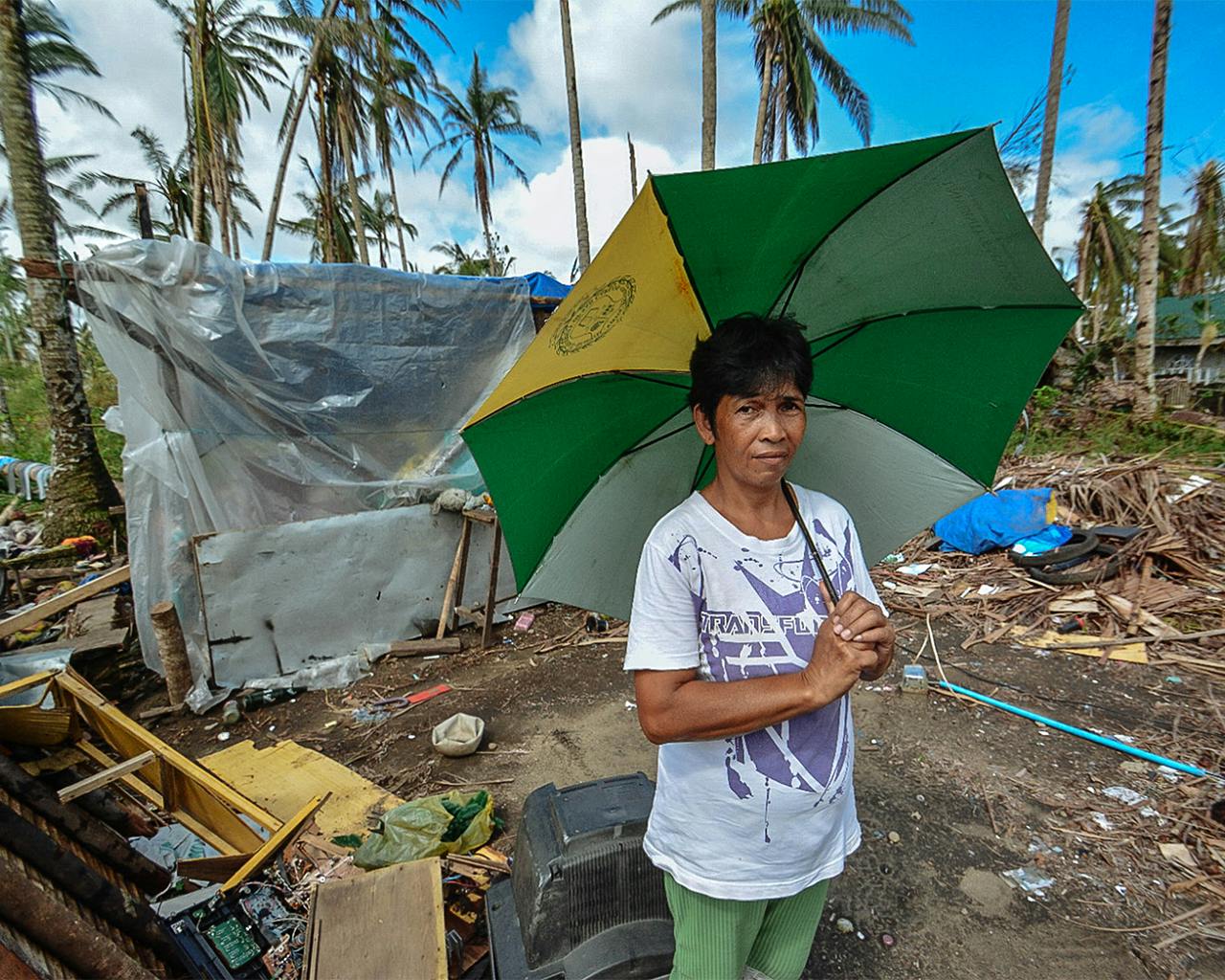
As the world was dealing with COVID-19 these past 9 months, Filipinos were also dodging floods and typhoons left and right. Aside from the rising numbers of COVID-19 cases that has caused businesses to close, natural disasters happened within weeks of each other and left many parts of the country devastated.
Those affected can avail the Social Security System’s Calamity Loan Assistance Program (CLAP), which is extended to calamity-stricken SSS members who are in need of financial aid. Now it’s easier to file your application using the My.SSS app.
Who can apply for the SSS Calamity Loan?
Through the Calamity Loan Assistance Program, the SSS aims to grant financial aid to those who live in areas that are declared to be under a state of calamity caused by Super Typhoon Rolly, Typhoon Quinta, and Typhoon Ulysses.
The loanable amount is up to Php 20,000 depending on your average monthly salary credit. The payment terms have been extended to 27 months from 24 months to provide relief from the impact of these calamities, thus the monthly loan payments will start on the fourth month after the date of the loan approval. A 1% service fee will be deducted from the total loan proceeds.
Applications for Calamity Loan may be filed until February 26, 2021. Before you apply for the CLAP Program, you must first meet the following qualifications:
- You must have a My.SSS account (Register at www.sss.gov.ph if you don’t)
- Your home address must be within an area declared to be under a state of calamity by the National Disaster Risk Reduction and Management Council (NDRRMC).
- You must have paid at least 36 months of contribution, six of which should be posted within the last 12 months before your loan application.
- You have not availed of any final benefit, such as a total permanent disability or retirement benefit which are given to members who will not be able to work again.
- You must not have any outstanding balance under the Loan Restructuring Program (LRP) or a previous Calamity Loan.
- If employed, the employer must certify your CLAP application online through the My.SSS facility.
If you meet all the requirements above, you can proceed with your application.
How do I file my Calamity Benefit application?
First, sign in to your My.SSS account:
1. Open your web browser (Google Chrome, Safari or Microsoft Edge) and type www.sss.gov.ph.
2. Log on to your My.SSS account by clicking ‘Member’, which is located on the right side of the page.
3. Enter your username and password, click the checkbox beside ‘I am not a robot,’ then press the ‘Submit’ button.
(If you are not yet registered, you can create an account by clicking the ‘Not yet registered in My.SSS’ on the bottom right. Follow the instructions thereafter.)
Second, enroll your bank account:
1. Find the ‘E-Services’ tab on the SSS homepage and click ‘Disbursement Account Enrollment Module’ on the dropdown list to enroll your bank account. Click ‘Proceed’ to certify that you have read and understood the reminders.
2. Select which participating PESONet account to enroll. Enter your account number and read the terms and conditions before clicking ‘Agree’. When done, press the ‘Enroll Disbursement Account’ button.
3. Wait for the confirmation email from SSS.
To check if your account is already enrolled, on the same page where you enrolled your bank account click ‘Active Disbursement Account Records with SSS’ and see if the table is updated with your bank account details.
Lastly, file your Calamity Loan application:
1. On the homepage of SSS, click ‘Apply for Calamity Loan – ST Rolly, TY Quinta, TY Ulysses’ on the ‘E-Services’ tab.
2. You will be redirected to the loan application form. Fill in the required details and once done, read the terms and conditions carefully before clicking ‘Agree’ and ‘Proceed’.
3. An ‘Undertaking for Calamity Loan’ will pop up on screen. Confirm that your home address is covered by one of the calamity-stricken areas by clicking the ‘Agree’ and ‘Proceed’ buttons.
4. You will see the summary of your application details. Read and check it thoroughly before clicking ‘Submit’.
5. Take note of your transaction number after submission.
If you are employed, your employer must certify your application within 5 days after it was filed by logging on to My.SSS. Otherwise, it will expire and you will need to file again.
You can check the status of your loan by clicking ‘Loans Info’ on the dropdown menu under ‘Inquiry’ on the SSS homepage. Once your loan is approved, it will be released through any of the following modes:
- Development Bank of the Philippines (DBP), or any PESONet-accredited or participating bank
- Your Unified Multi-Purpose Identification (UMID) card (if it is enrolled as an ATM)
- Your Union Bank of the Philippines (UBP) Quick Card.
For inquiries, SSS members can call 8920-6446 to 55 or email [email protected].


